Stop losing the lesson after every trade.
You do not need another Excel sheet. You need a place that remembers what you traded, why you entered, what rule you broke, what emotion took over, and what you should fix next. EdgeHabit turns every trade into a clear lesson.
Today’s Trading Review

Rating
Discipline drifting.
Your trades are already teaching you.
You are just not saving the lesson.
Traders do not mainly want another feature. They want relief from repeated pain.
You think you will remember.
You will not.
- •After market close, everything feels obvious.
- •Next week, the same mistake comes back.
Excel shows profit and loss.
It does not show behavior.
- •Excel can show -₹5,000.
- •It does not tell you that you broke your rule after two losses.
Screenshots get lost.
Nothing connects.
- •One screenshot in Telegram.
- •One note in Notion.
- •One trade in broker app.
Lucky rule breaks become dangerous.
The bad habit grows.
- •Sometimes you break a rule and still make money.
- •That feels good, cementing tilt behavior.
One journal for the full story of the trade.

Bring the trade in
Import from a supported broker or upload your tradebook.
EdgeHabit reads the trade details and keeps them ready for review.
- ✓Secure API Sync
- ✓Tradebook Upload
Add the human reason
Write the reason in simple words. Tag what you felt and what rule was in scope.
- ✓I chased.
- ✓I followed setup.
- ✓I exited early.
- ✓I took revenge trade.

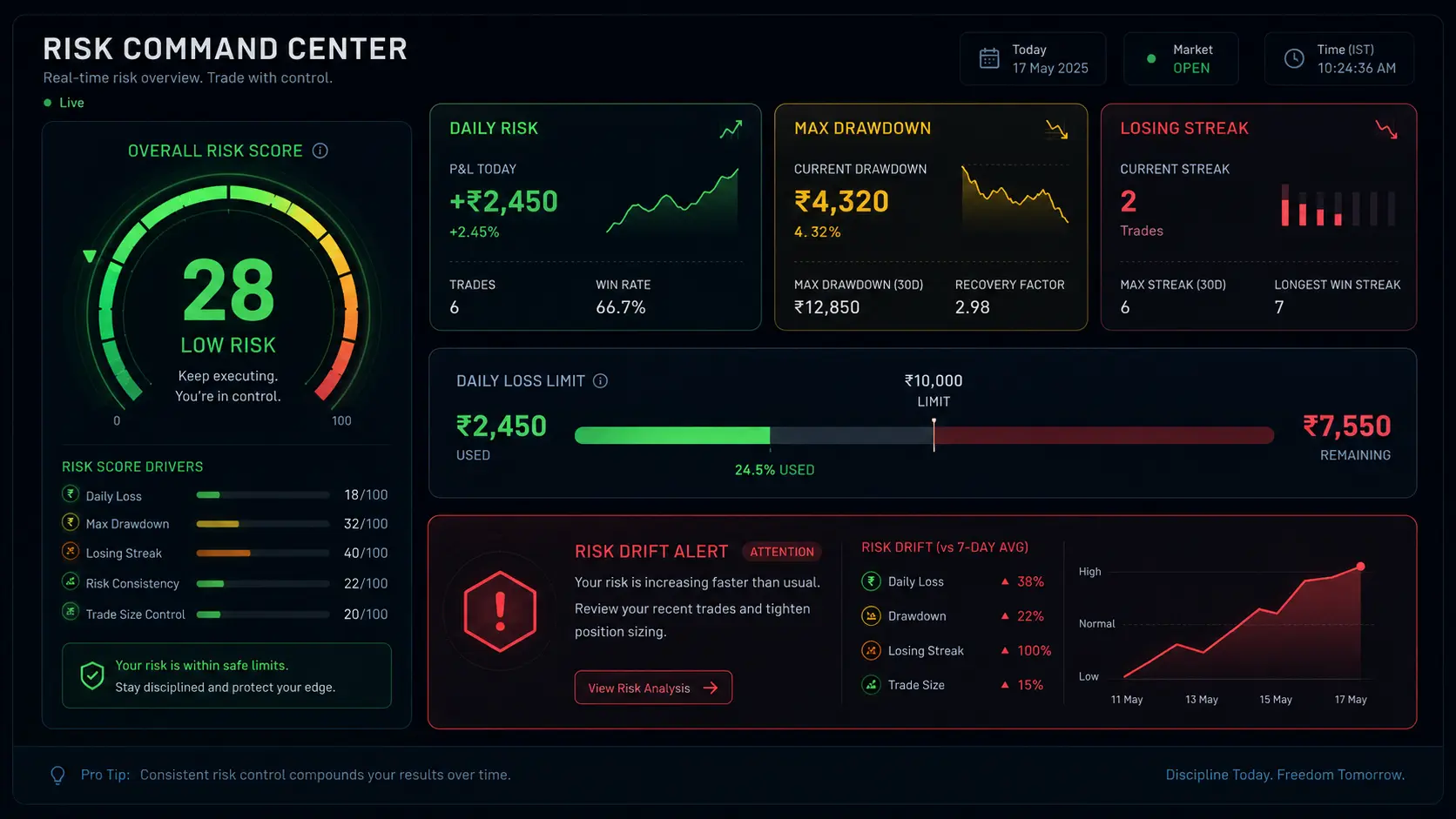
Auto-detect mistakes & leaky patterns
EdgeHabit connects your trades, notes, setup tags, mistake tags, and rules.
So you stop asking: "Why am I not improving?"
And start seeing: "This is the mistake I repeat."
Before vs After
Compare a manual scattered journal sheet with the integrated EdgeHabit review workspace.
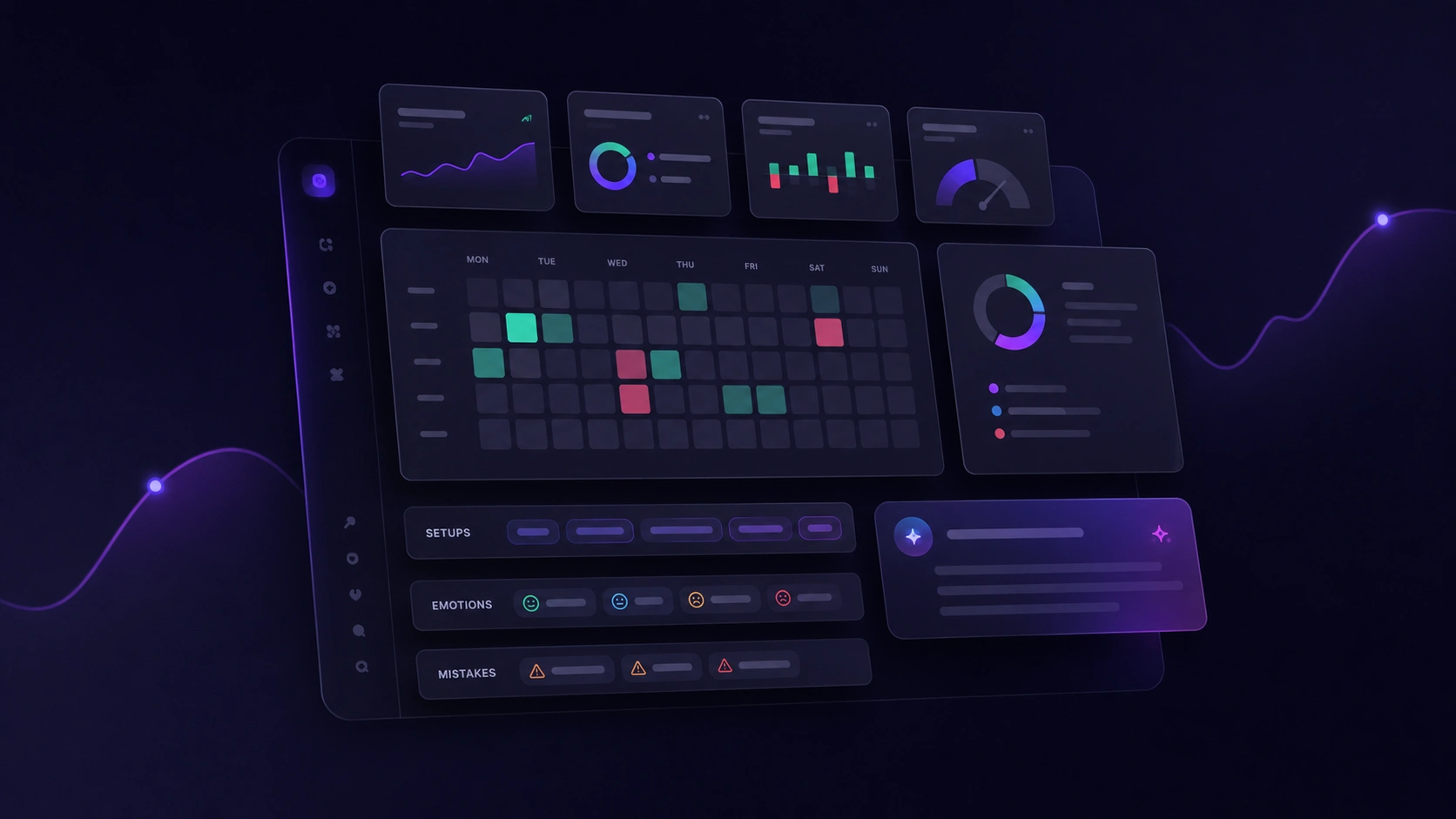
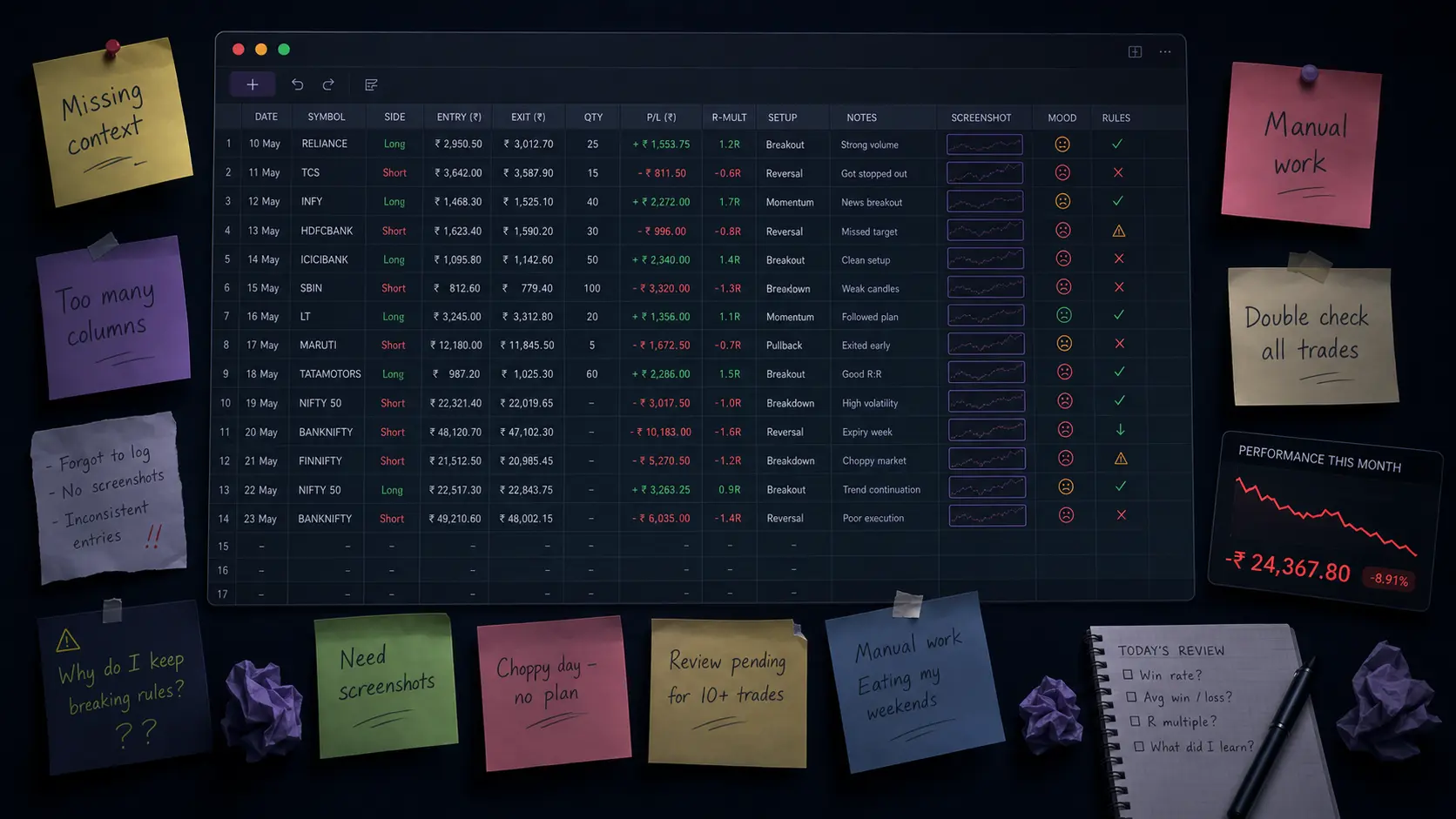
What your journal should show you
Review how EdgeHabit analyzes and visualizes execution parameters.
Why you entered
Not just buy or sell. The journal should answer:
- ✓Was this my setup, or did I force it?
- ✓Tracks entry setups and criteria.
Ask your journal better questions.
Try prompting questions like:
Your next trade should not become another forgotten mistake.
Start with one session. Review it properly. Find one habit to fix.
Get your first AI trade auditThis is a review tool. Not a signal service.
EdgeHabit does not tell you what to buy. EdgeHabit does not promise profit. EdgeHabit helps you review your own trades so you can see your own behavior clearly.
FAQ
Stop forgetting what your trades are trying to teach you.
Your next improvement is probably already inside your old trades.